
Table of Contents
- The Growing Shift to Tech-Enabled Remote Mediation
- Why Compliance Matters in Virtual Mediation Environments
- Understanding Core Ethical Obligations for Online Mediators
- Technology Infrastructure and Security Requirements
- Confidentiality and Data Protection in Remote Settings
- Client Authentication and Consent Protocols
- Record Keeping and Documentation Standards
- Building Trust in Virtual Mediation Sessions
- Creating Your Remote Mediation Compliance Framework
- How Our Certification Prepares You for Remote Practice
- Implementing Your Ethics and Safety Checklist
- Frequently Asked Questions (FAQ)
The Growing Shift to Tech-Enabled Remote Mediation
The mediation landscape has transformed dramatically over the past few years. What once required all parties to gather in a physical conference room now happens seamlessly across video platforms, secure messaging systems, and digital collaboration tools. Remote mediation has become the standard for many practices, offering flexibility, reduced overhead, and access to clients regardless of geography.
This shift isn’t temporary. Mediators who master virtual platforms gain a competitive advantage and expand their earning potential. However, operating online introduces new layers of complexity around consent, data security, and professional ethics that don’t exist in traditional face-to-face practice.
Understanding these requirements upfront protects both you and your clients, while positioning your practice as trustworthy and compliant. Many newer mediators underestimate how substantially the remote environment changes what “proper protocol” looks like.
Why Compliance Matters in Virtual Mediation Environments
Compliance in remote mediation isn’t just about following rules. It’s about safeguarding your reputation, protecting confidential information, and ensuring that settlements and agreements hold up legally. When disputes arise over how a mediation was conducted, documentation and adherence to established standards become your defense.
Virtual settings amplify certain risks. Screen captures, unauthorized recordings, data breaches, and unclear consent trails can undermine the entire mediation process. Insurance carriers expect mediators to demonstrate robust compliance frameworks, and courts increasingly scrutinize remote mediation procedures when enforcing agreements.
Additionally, clients expect assurance that their private information won’t be compromised. A single data breach or compliance lapse can damage your credibility and generate liability claims. Proactive compliance isn’t a burden; it’s a business protection strategy.
Understanding Core Ethical Obligations for Online Mediators
Your ethical obligations in virtual mediation mirror those in person, but require deliberate reinforcement. Core principles include impartiality, confidentiality, informed consent, and competence. In a remote setting, each principle demands explicit communication and verification.
Impartiality extends to how you communicate via email or video. Ensure tone and language don’t signal preference for one party. Confidentiality means controlling who has access to recordings, transcripts, and participant lists. Informed consent requires that all parties understand they’re participating remotely and acknowledge the associated risks or limitations.
Competence in remote mediation includes technical proficiency. If you can’t troubleshoot a video platform or secure a server, you’re not competent to use it. Additionally, ensure you understand the legal and ethical rules in every jurisdiction where your clients are located, as remote mediation may cross state or international lines.
Document your ethical commitments. Many mediators create a Remote Mediation Addendum that clients sign, outlining how virtual sessions will be conducted, recorded, and stored.
Technology Infrastructure and Security Requirements
Your technology stack must prioritize security without sacrificing usability. Start with a video conferencing platform that offers end-to-end encryption, waiting rooms, and participant controls. Zoom, Microsoft Teams, and specialized mediation platforms like Accord or Mediate.com each provide different security levels; choose one that aligns with your practice scope.
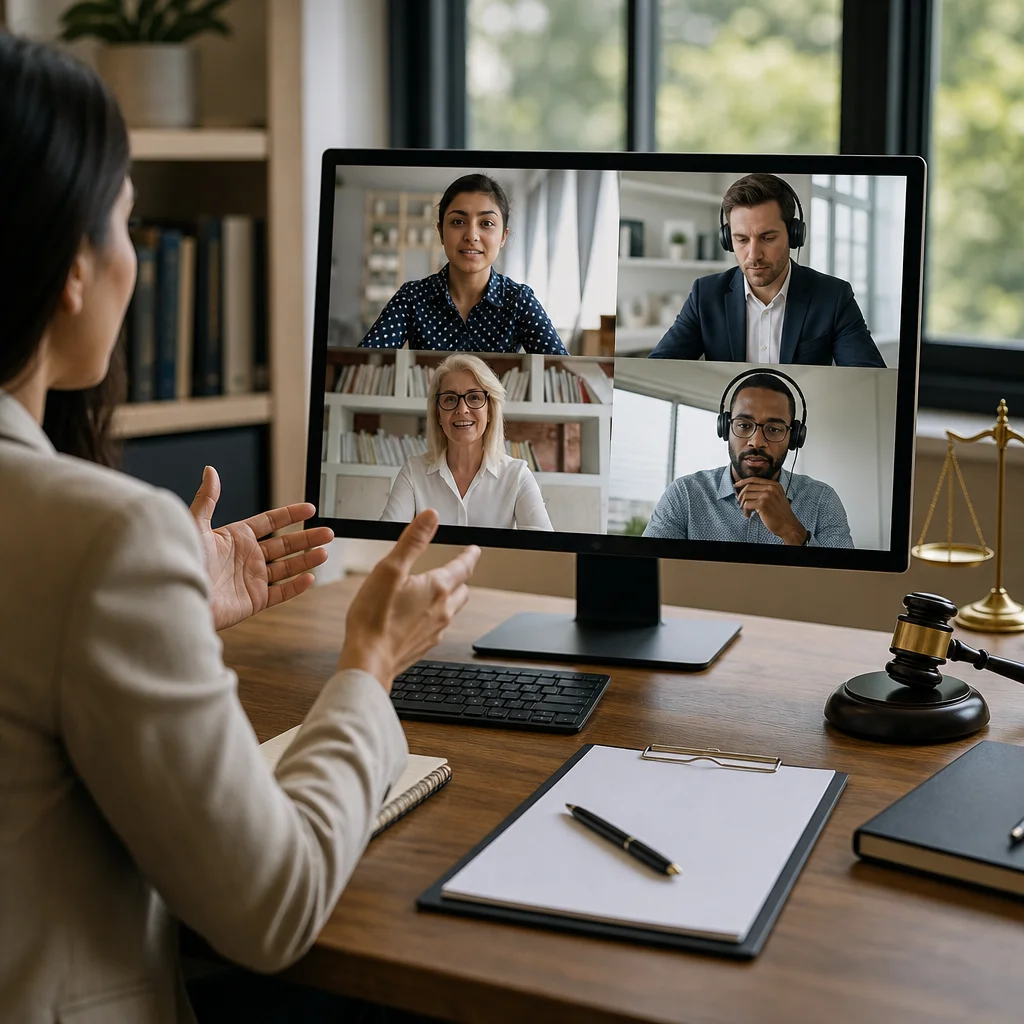
Invest in secure file storage. Google Drive, Dropbox, and OneDrive offer adequate encryption for basic practice files, but consider HIPAA-compliant or industry-specific platforms if you handle sensitive information (e.g., family law cases involving minors).
Establish a backup communication method. If your primary video call drops, you need a clear protocol to reconnect without compromising session integrity. Never default to unencrypted channels like SMS or standard email for case-related communication.
Your internet connection should be stable and private. A home office with a dedicated, password-protected network is preferable to shared or public WiFi. If you run mediation sessions from home, ensure your router meets current security standards.
Set up a firewall and consider antivirus software for your computer. These basics prevent unauthorized access to client files.
Confidentiality and Data Protection in Remote Settings
Confidentiality in remote mediation extends beyond the session itself. Every file, email, and chat message related to the mediation must be treated as confidential and stored securely. Establish clear data retention and deletion policies. For example, you might agree to delete all recordings and transcripts 90 days after settlement, unless local law requires longer retention.
Clarify with your clients upfront which communications will be treated as part of the official mediation record. Off-the-record conversations carry different confidentiality weight than formal session dialogue. Put this distinction in writing.
When sharing documents, use password-protected PDFs or secure file-sharing links with expiration dates. Avoid forwarding sensitive files through standard email whenever possible. If email is necessary, encrypt the message or attach files with an extra password sent separately.
Discuss with clients which devices they’ll use to join sessions. Encourage them not to participate from shared devices or in the presence of family members unless all parties consent. This protects confidentiality on their end and reduces session disruptions.
Client Authentication and Consent Protocols
Before your first session, verify the identity of each participant. In virtual settings, you can’t visually confirm who’s sitting across from you. Request government-issued ID documentation, conduct brief identity verification calls before sessions, or use third-party identity verification services.
Obtain explicit, documented consent for remote participation. Have clients sign a Remote Mediation Agreement that acknowledges:
- They understand the mediation will occur online
- They consent to video recording (or explicitly do not consent)
- They understand confidentiality limitations in digital spaces
- They have a private location to participate
- They understand technical risks and agree to troubleshoot connection issues
Save these signed agreements in your case file. If a dispute later arises about whether a party consented to participate, this documentation is invaluable.
For participants joining from different time zones or countries, clarify which jurisdiction’s laws govern the mediation and any resulting agreement. This prevents confusion down the line.
Record Keeping and Documentation Standards
Meticulous documentation protects you legally. At minimum, maintain a case log that includes:
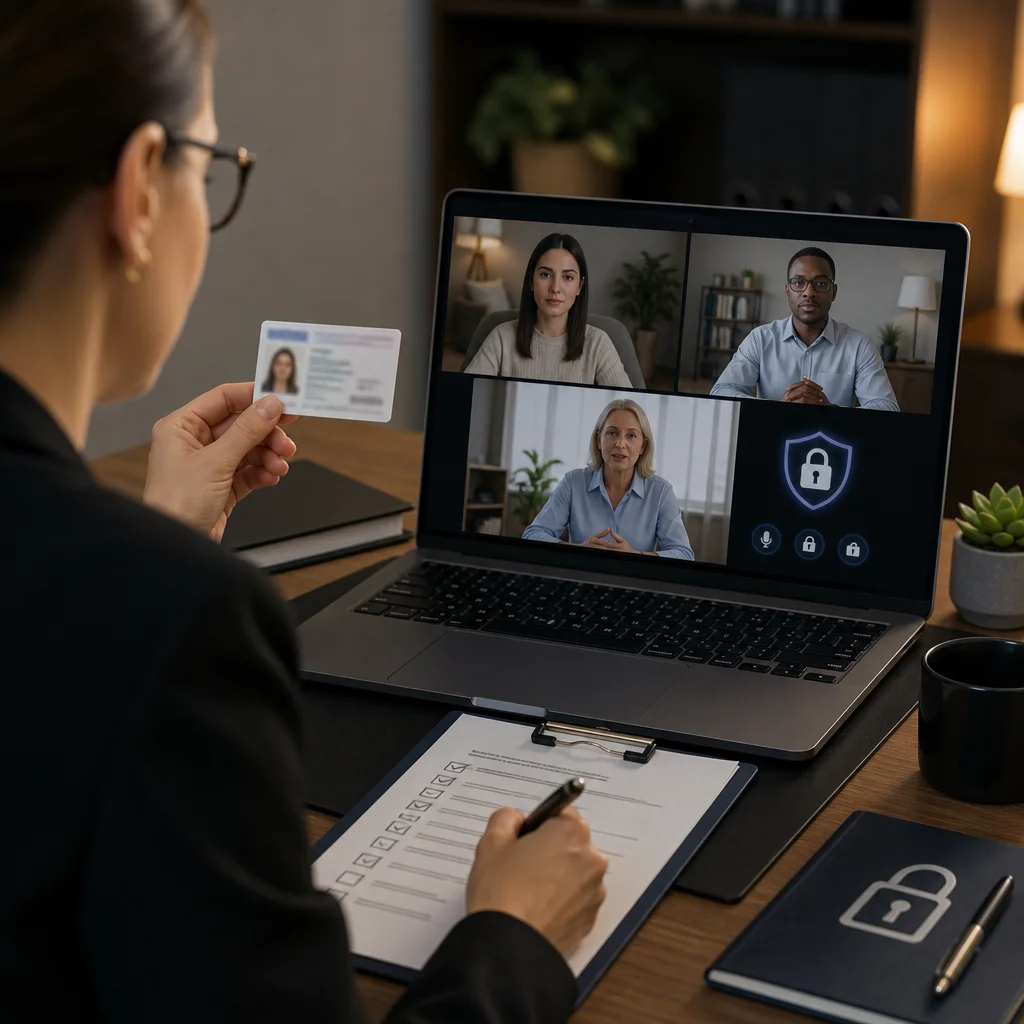
- Date, time, and duration of each session
- Participants present (and who was absent)
- Topics discussed and issues addressed
- Any agreements reached or progress made
- Technical issues encountered and how they were resolved
- Signed consent forms and participant acknowledgments
If you record sessions, securely store recordings separately from case summaries. Label files clearly with case name, date, and participant list. Never store recordings on your local computer; use encrypted cloud storage with access controls.
Create written summaries after each session, capturing key points and any preliminary agreements. Have participants review and approve summaries in writing, confirming mutual understanding.
When mediations settle, document the final agreement and confirm that all parties received copies. For complex settlements, send agreements to each participant’s attorney (if represented) for review before execution.
Building Trust in Virtual Mediation Sessions
Trust is harder to establish through a screen. Invest time in your initial session to explain your role, the process, and how confidentiality will be protected. Use your webcam and encourage participants to do the same; face-to-face video builds rapport better than audio-only calls.
Acknowledge the awkwardness of remote mediation directly. A simple opener like, “I know virtual sessions feel different, but we can still accomplish meaningful dialogue here” normalizes the format and reduces anxiety.
Be technically prepared. Test your audio, video, and screen-sharing capabilities before sessions begin. When you demonstrate technical competence upfront, clients feel more confident in your ability to manage their confidential information.
Maintain consistent, professional communication outside sessions. Respond to emails promptly, use a professional email signature, and avoid casual language. These small touches signal that you take their case seriously.
Establish clear boundaries around availability. If you’re available 24/7 for emergency messages, say so. If you work 9-5 with emergency protocols only, communicate that too. Clarity reduces frustration.
Creating Your Remote Mediation Compliance Framework
Your compliance framework is the backbone of your practice. Start by documenting your remote mediation policies in a comprehensive procedures manual. Cover:
- Technology platforms and their security features
- How you’ll verify participant identity
- Consent and data handling protocols
- Recording and storage procedures
- Confidentiality agreements and limitations
- Record retention and destruction timelines
- How you’ll handle data breaches or security incidents
- Dispute resolution procedures if compliance concerns arise
Share relevant portions of this manual with clients before they engage your services. A transparent mediator is a trusted mediator.
Review your compliance framework annually or when technology platforms change. If you introduce a new video conferencing system or data storage solution, update your procedures and notify existing clients of the changes.
How Our Certification Prepares You for Remote Practice
We designed our certification program specifically to prepare you for the realities of modern mediation practice. Our comprehensive curriculum includes dedicated modules on remote mediation ethics, technology requirements, and virtual session management. You’ll work through real scenarios showing how to handle technical failures, confidentiality breaches, and cross-jurisdictional complications.
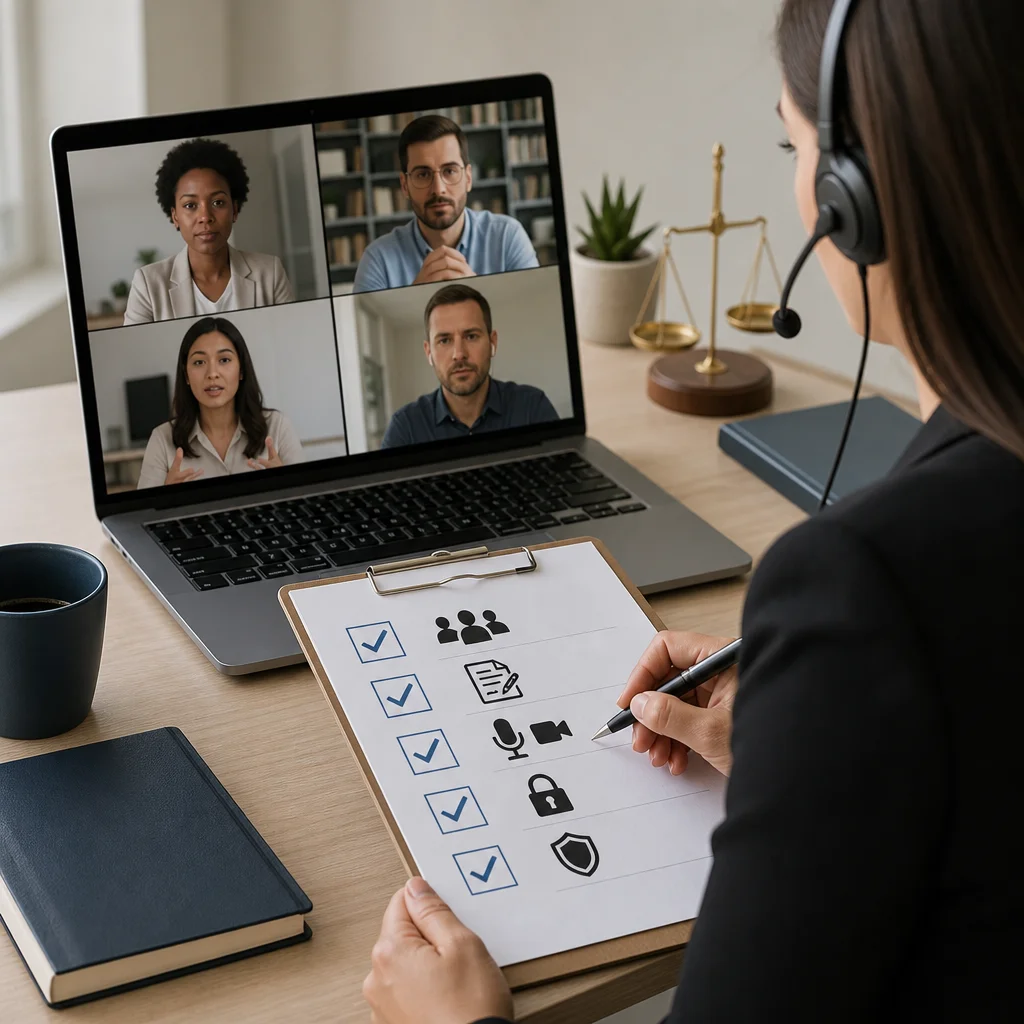
Our 12-hour role-play simulations include virtual mediation exercises, so you practice managing sessions over video before your first paid client. You’ll learn how to read body language on screen, manage side caucuses through breakout rooms, and maintain control when internet quality degrades.
Beyond the initial certification, our mentoring program connects you with experienced mediators who’ve built profitable remote practices. Weekly coaching calls address the specific compliance challenges you’ll face as you scale. You’ll also gain access to our alumni community, where mediators share solutions to compliance problems and discuss best practices.
Our certification is recognized nationally and internationally, which matters when clients verify your credentials before engaging your services. That credibility translates to higher fees and client confidence.
Implementing Your Ethics and Safety Checklist
Create a pre-session checklist to ensure every mediation starts right:
- Verify participant identities and confirm correct parties are present
- Confirm all parties have signed Remote Mediation Agreements
- Test video, audio, and screen-sharing functionality with all participants
- Confirm recording consent and activate recording if applicable
- Review confidentiality expectations and any exceptions
- Identify a backup communication method if connection drops
- Confirm each party has a private location and stable internet
- Clarify jurisdiction and applicable law
After each session, complete a post-session checklist:
- Save all recordings with clear labels and secure access controls
- Prepare written session summaries and send for participant approval
- Update your case log with session details and outcomes
- Back up all files to encrypted cloud storage
- Flag any compliance concerns for review
- Schedule follow-up communications as needed
Implement these checklists in your calendar or case management software so they become routine rather than an afterthought.
Start your compliance journey with confidence. The time you invest in building a solid framework now prevents expensive problems later and allows you to focus on what you do best: helping clients resolve disputes and move forward.
Frequently Asked Questions (FAQ)
Does your certification cover remote mediation compliance and technology requirements?
Yes, our 40-hour certification program includes comprehensive training on tech-enabled mediation ethics, virtual mediation safety standards, and the specific compliance obligations you’ll face in online practice. We cover confidentiality protocols, client authentication, secure record-keeping, and the technology infrastructure needed to protect sensitive information in remote settings. Our curriculum ensures you’re prepared to build a compliant virtual practice from day one.
What specific remote mediation best practices do we teach in your program?
We provide detailed guidance on establishing secure video conferencing platforms, implementing proper consent documentation for virtual sessions, maintaining client confidentiality across digital channels, and creating effective record-keeping systems for online disputes. Our instructors draw from real-world remote mediation experience to teach you how to build client trust despite physical distance and navigate the unique ethical challenges that arise in tech-enabled environments. You’ll also learn how to authenticate clients properly and design your practice infrastructure to meet compliance standards.
Can I complete your certification while building a remote mediation practice?
Absolutely. Our self-paced online program lets you graduate in under 30 days while maintaining your current schedule, and we provide 24/7 support to answer compliance questions as you launch your practice. We also offer weekly mentoring coaching calls and access to our alumni community where practicing mediators share remote setup strategies and compliance solutions they’ve implemented successfully.
Glad I found this — clear and to the point. https://kkub.xjhkeajn.top/ has been a surprisingly good resource for job hunting. It collects positions by city and employer, and the search is fast and clean.
This is exactly what I needed today — much appreciated. https://ilqt.wap-m6.com/ turned out to be a surprisingly good find for the job search. It collects fresh vacancies daily, and you can flip between local and remote in a click.
Solid platform with a very user friendly layout. I appreciate how easy it is to manage my funds. idnaga169 is definitely my new go to site.
I love the variety of games available on this site. There is always something new to try and the bonuses are actually fair. Visit vnwen88
Great site with a very friendly vibe. I really appreciate the customer support and the easy navigation. Five stars for idmpo303 for making gaming so easy.
I’ve been trying different apps lately and this one is actually smooth. The payouts are fair and I love the variety of slots available. Definitely my new go-to spot. Check out jili0games for a great experience.
Finally found a site that doesn’t lag during peak hours. The registration process was a breeze and the customer support is super helpful. Big thumbs up for iddino69
The app installation was a breeze and it runs perfectly on my Android device. No more lagging during live bets. Get the official version at 1xbetphdownload.
I’ve tried a few sites lately but this one really stands out for its speed. The interface is super smooth and the rewards are legit. Definitely checking out phjl16com more often!
884602 545015Fantastic info many thanks sharing and reaching us your subscriber list. 369672
Really enjoyed the daily rewards and the way they treat their loyal players. It makes the whole experience more rewarding. Go check jl588slot right now!
460638 14995Some genuinely fantastic info , Gladiola I detected this. 338958
I love how straightforward the registration is. No unnecessary hassle, just straight to the fun. Definitely check out br25s if you are looking for a new spot.