
Table of Contents
- 1. Setting Up Your Professional Virtual Environment
- 2. Mastering Video Conference Technology and Troubleshooting
- 3. Establishing Clear Ground Rules Before Sessions Begin
- 4. Managing Participant Engagement Across Remote Platforms
- 5. Documenting Agreements and Following Up Digitally
- 6. Handling Technical Issues Without Disrupting Momentum
- 7. Building Trust and Rapport Through a Screen
- 8. Creating Secure Private Spaces for Sensitive Discussions
- Frequently Asked Questions (FAQ)
1. Setting Up Your Professional Virtual Environment
Remote mediation is now standard practice for conflict resolution professionals. Whether you’re mediating workplace disputes, family matters, or business disagreements, the shift to virtual platforms requires specific skills and intentional setup. We’ve seen mediators struggle unnecessarily with technology, participant fatigue, and trust-building challenges that are entirely preventable with the right approach.
The difference between a mediator who merely conducts sessions online and one who masters remote mediation comes down to preparation, platform knowledge, and presence. These eight practices will help you run remote mediation sessions that feel just as productive and professional as in-person meetings.
Your background and physical setup communicate competence before you speak. Choose a quiet, well-lit space with neutral colors and minimal clutter. Soft, indirect lighting positioned in front of you (not behind) prevents shadows and maintains clear visibility. A desk with professional materials within arm’s reach signals organization without being distracting.
Invest in quality equipment. A decent external microphone ($30-80) eliminates echo and background noise far better than built-in laptop audio. Good lighting from a ring light or desk lamp makes a measurable difference in how participants perceive professionalism. Position your camera at eye level to create natural eye contact rather than looking down.
Test your internet connection 15 minutes before every session. Use a wired ethernet connection when possible instead of WiFi. Close unnecessary browser tabs and applications that consume bandwidth. Let participants know your connection is stable by starting 5 minutes early with a “technology check” message.
Create a professional backdrop by removing personal items or using a simple virtual background if your space isn’t optimal. Consistency matters too: use the same background setup across sessions so returning clients feel familiar with your space.
Actionable next step: Audit your current setup today. Record yourself in your video conferencing platform and watch it back. If you’d hesitate to show this video to a paying client, adjust lighting or background before your next session.
2. Mastering Video Conference Technology and Troubleshooting
Choose a platform with stability, security, and features that matter for mediation work. Zoom, Google Meet, and Microsoft Teams all offer screen sharing, breakout rooms, and recording capabilities. Whichever you select, become fluent in it. Know how to mute participants, control screen sharing, and move people to separate breakout rooms for caucusing.
Learn the platform’s breakout room feature thoroughly. In mediation, you’ll often need to speak with each party privately to understand their true interests without the other side present. Test breakout rooms before your first session so you’re not fumbling with it during a tense moment.
Understand recording and file management. Many mediators record sessions for documentation purposes. Know exactly how recording works on your platform, where files are saved, and how to share recordings securely. Have a backup plan if recording fails: take detailed notes on key points and agreements instead.
Keep a quick reference guide open during sessions listing keyboard shortcuts, button locations, and emergency contacts. Accidentally unmuting yourself while caucusing or losing control of your screen share creates unnecessary anxiety. Muscle memory comes from repetition, so practice these features weekly until they’re automatic.
Actionable next step: Spend 20 minutes this week exploring every feature in your chosen platform. Open a test session and try muting, screen sharing, breakout rooms, and chat functions. Write down three things you didn’t know existed.

3. Establishing Clear Ground Rules Before Sessions Begin
Remote mediation requires explicit ground rules because the digital format removes many non-verbal cues that normally keep conversations on track. Send participants written guidelines at least 24 hours before the session, covering technology expectations, communication etiquette, and session structure.
Specify that participants should be in a private, quiet space without interruptions. Explain that they’ll be seen and heard on video, so appropriate dress and background matter. Set expectations about staying muted unless speaking, using the chat responsibly, and no side conversations off-camera.
Address confidentiality upfront. Explain that they cannot record the session without consent, and that what’s discussed stays confidential unless parties agree otherwise. For sensitive matters like family or divorce mediation, this conversation builds confidence that the process is safe.
During the first five minutes of the actual session, review these rules verbally. Ask if there are technical limitations you should know about (poor internet, background noise, time constraints). When everyone agrees to the ground rules together, buy-in increases and disruptions decrease.
Create a “session agenda” document shared on screen at the start. Show the flow: opening statements, joint discussion, individual caucuses if needed, and closing. Participants feel more in control when they understand the roadmap.
Actionable next step: Write your own ground rules document now and send it to your next three mediation participants. After those sessions, refine it based on what worked and what you’d change.
4. Managing Participant Engagement Across Remote Platforms
Remote fatigue is real. Participants staring at screens for two hours become less engaged and more prone to frustration. Break longer sessions into 60-minute blocks with 10-minute breaks. During breaks, encourage people to step away from their desk, grab water, and reset.
Watch for disengagement signals: participants looking at other windows, slumped posture, or delayed responses. These cues tell you to pause the session, acknowledge everyone’s effort, and either take a break or shift the conversation direction. Sometimes simply asking “How is everyone feeling right now?” helps participants re-engage.
Use screen sharing to display agreements and notes in real time. Seeing progress documented builds momentum and shows participants their voices are being heard. Share a simple document where you type key points as they emerge. This visual reference keeps discussions grounded.
Invite participation explicitly. Instead of asking “Does anyone want to add anything?” say “Pat, I want to hear your perspective on the timeline issue we just discussed.” Direct questions keep people present and prevent the strongest voices from dominating.
Limit the number of participants in joint sessions. More than four people makes remote mediation exponentially harder to manage. For larger groups, consider conducting separate caucuses or breaking into smaller mediation sessions.
Actionable next step: In your next session, intentionally take a break halfway through. Notice whether participants return more focused and clear-headed.
5. Documenting Agreements and Following Up Digitally
Document agreements in writing during the session, not after. Shared digital documents (Google Docs or Word Online) let both parties see exactly what’s being recorded. This transparency prevents later disputes about what was actually agreed to.
Use a simple format: Date, Parties Involved, Agreement Points (numbered), and Signatures. Ask participants to type their initials next to each agreement point as you go. This creates a paper trail and confirms understanding in the moment.
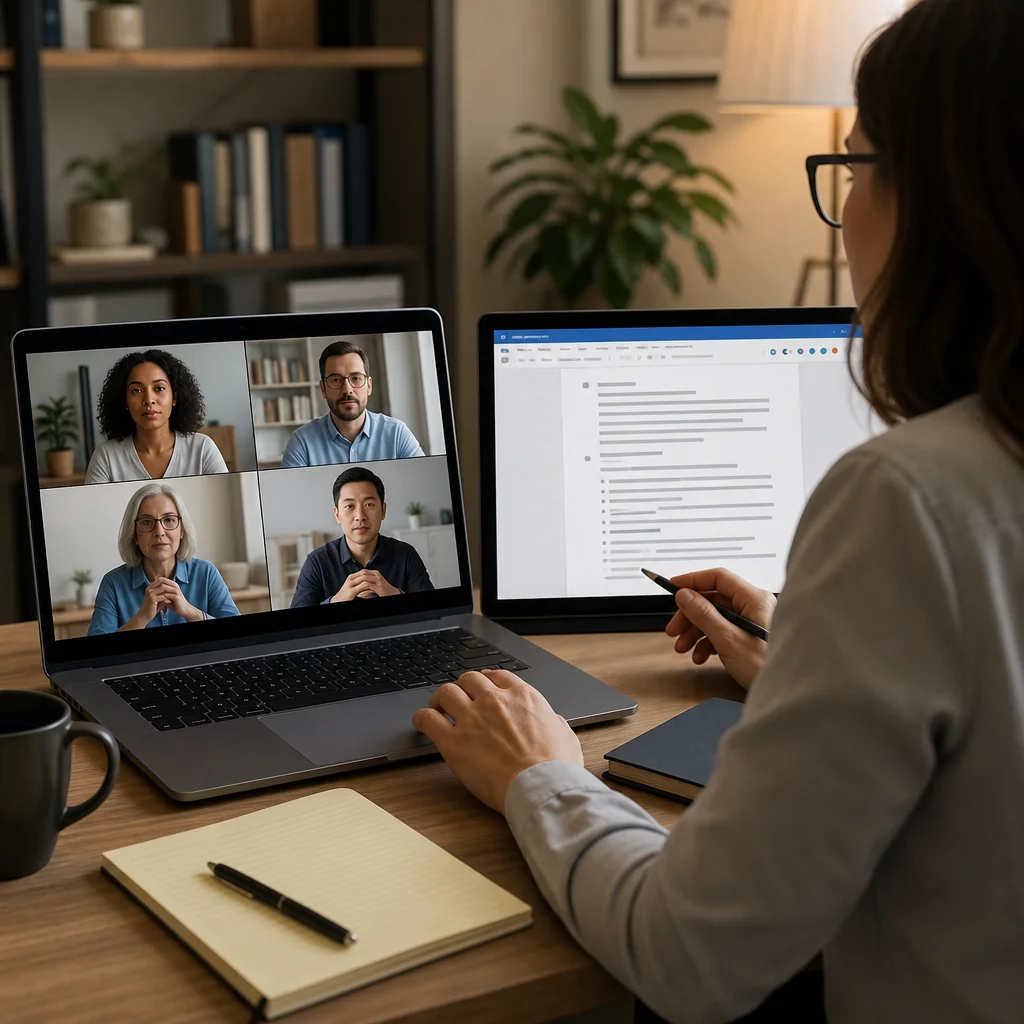
After the session, send a summary email within 24 hours. Include the key agreements, next steps, and your contact information for questions. For formal mediation agreements, provide a PDF version signed by both parties and yourself. Many mediators require counterpart signatures within 72 hours.
Create a digital filing system organized by case number or date. Cloud storage (Google Drive, Dropbox) with shared folders makes it easy to send updated documents to participants and maintain backups. Never rely on email attachments alone for important legal documents.
For follow-up mediation sessions, send a brief pre-session reminder with the date, time, Zoom link, and any materials participants should review beforehand. Consistency in communication reduces no-shows and increases preparation.
Actionable next step: Design a simple template for your mediation agreement summary. Use it for your next five sessions and refine it based on what information participants ask about most.
6. Handling Technical Issues Without Disrupting Momentum
Technical problems happen. Your response determines whether they derail the session or become minor blips. Have a backup communication plan communicated upfront: if Zoom drops, you’ll call participants on the phone number they provided or reconnect in a new meeting link.
If your internet drops, don’t panic. Restart your connection calmly. Most platforms let you rejoin the same meeting. Have your phone nearby so you can call participants if video doesn’t restore quickly. Say something like “I’m rebooting my connection. I’ll be back in 30 seconds” rather than disappearing without explanation.
If a participant’s connection fails repeatedly, offer a phone call instead. Some mediation work is equally effective by phone if screen presence isn’t critical. Flexibility here prevents the participant from feeling blamed for technology failures.
Keep a written backup plan visible: alternate meeting links, phone conference numbers, and participant contact information. Printed as a single page, it’s your safety net when technology misbehaves. Test these backups monthly so you know they work.
Address minor technical hiccups with humor when appropriate. A participant’s cat walking across the keyboard doesn’t need a serious response. Most people expect occasional glitches in remote work. What matters is that you stay professional and keep moving forward.
Actionable next step: Create a one-page “Technical Emergency Plan” with backup links and phone numbers. Print it and keep it next to your desk during every session.
7. Building Trust and Rapport Through a Screen
Trust is harder to build remotely because body language is limited to shoulders-and-up. Compensate by being extra deliberate in your verbal communication. Use participants’ names frequently, summarize their points accurately to show you’re listening, and pause silently after they speak instead of rushing to respond.
Your tone carries more weight on video. Speak slightly slower than you normally would, use confident pauses, and vary your pitch to stay engaging. Avoid monotone delivery, which sounds robotic on camera. Make intentional eye contact by looking at the camera, not the screen, when you’re speaking.
Acknowledge emotions explicitly. “I sense some frustration about the timeline” or “I notice you both care deeply about this outcome” validates participants’ feelings without being dismissive. Emotional validation builds safety, which is fundamental to productive mediation.
Share appropriate transparency about the process. Explain why you’re using breakout rooms, why you’re taking notes, and how you’ll maintain confidentiality. People trust what they understand. Mystery and opacity during mediation create anxiety.
Dress professionally for every session, even if you’re working from home. This simple gesture signals respect for participants and the process. It also helps you shift mentally into “mediator mode” rather than casual work-from-home mode.
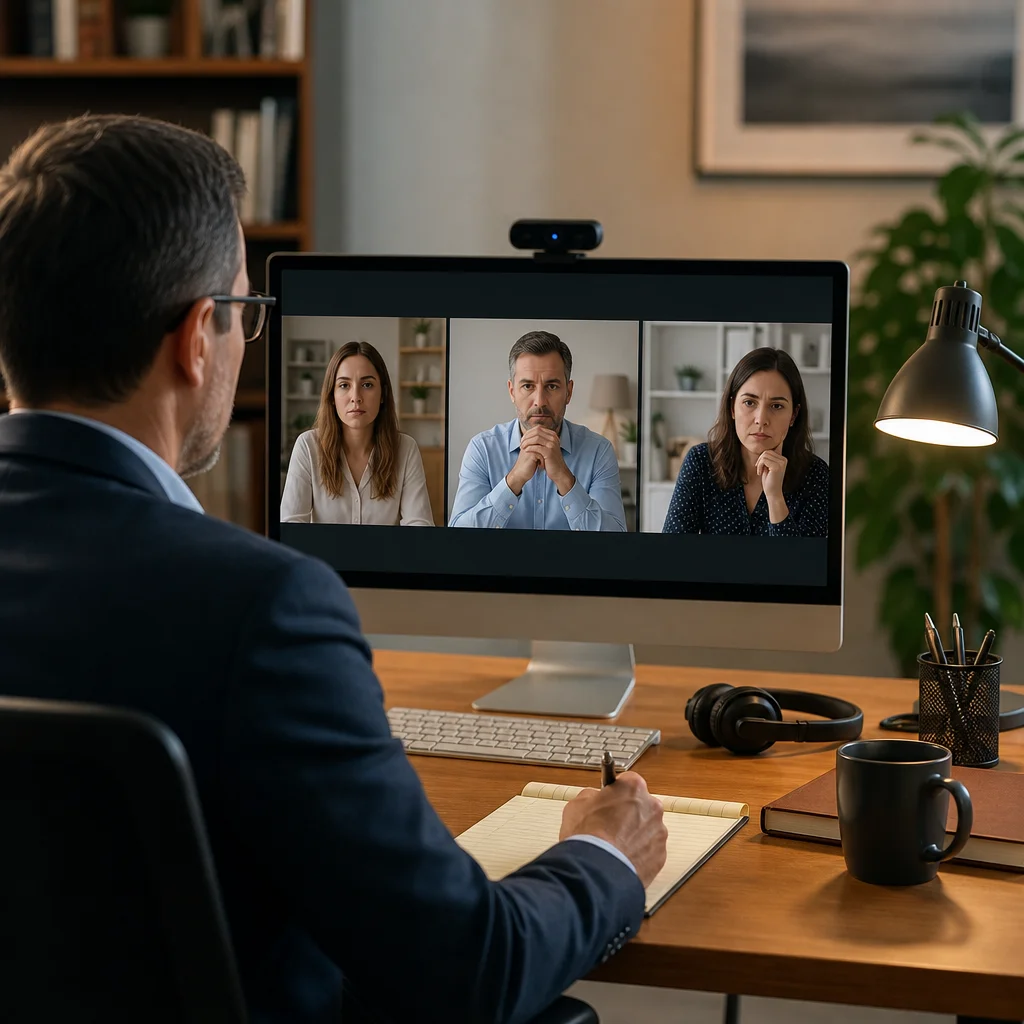
Actionable next step: Record yourself in a practice session. Watch it back and count how many times you make direct camera eye contact. If it’s less than 50 percent, practice deliberately looking at the camera more.
8. Creating Secure Private Spaces for Sensitive Discussions
For family and divorce mediation, privacy and security are non-negotiable. Ensure your platform uses encrypted connections and that participants understand they’re not recorded unless they consent. Many mediators require written consent before recording any session, displayed at the start of the meeting.
During caucuses, use breakout rooms to separate parties completely. Confirm that audio between rooms doesn’t leak and that you’re the only person who can move between them. Test this feature with a colleague before your first sensitive session.
Advise participants to use a private space themselves. A participant taking a mediation call in a public library or shared office creates liability for both of you. In your pre-session communication, explicitly state “Please ensure you’re in a completely private space where others cannot hear the conversation.”
For documentation of agreements involving children, finances, or legal rights, use secure file-sharing methods. Never email unencrypted documents with sensitive information. Password-protected PDFs or cloud storage with access controls add necessary security layers.
Consider whether certain mediation topics require additional safeguards. Domestic relations cases sometimes involve safety concerns. Have resources available to share if a participant discloses abuse or safety risks, and know your mandatory reporting obligations in your jurisdiction.
Actionable next step: Review your jurisdiction’s mediation confidentiality requirements and mandatory reporting laws. Document your understanding and create a brief disclosure statement you share with every participant.
—
Running successful remote mediation sessions is a learnable skill. The mediators who excel at this work prepare meticulously, stay flexible when technology misbehaves, and prioritize participant experience above all else. Our certification training at the National Association of Certified Mediators includes 12 hours of role-play simulations with real instructors who teach these exact practices in live scenarios. When you get certified through our program, you’re not just learning mediation theory; you’re practicing remote session management with expert feedback until it becomes second nature. With over 350 verified five-star testimonials from graduates now running profitable practices, our approach is proven to prepare you for the realities of professional mediation work.
Frequently Asked Questions (FAQ)
How do we recommend setting up a professional virtual mediation environment?
We advise our mediators to designate a quiet, well-lit space with a neutral background that minimizes distractions for all participants. Our training emphasizes positioning your camera at eye level, ensuring stable internet connectivity, and testing your audio and video equipment at least 15 minutes before each session. A professional setup builds credibility and helps participants focus on resolving their conflict rather than technical concerns.
What techniques do we teach for maintaining engagement when mediating remotely?
We guide our certified mediators to use intentional camera presence, strategic pausing, and active listening cues that translate effectively on screen. Our curriculum covers how to read subtle nonverbal signals through video, manage side conversations with breakout rooms when needed, and keep sessions structured with clear agendas that participants can reference. We also emphasize checking in regularly with each party to ensure they feel heard and remain invested in the process.
How do we help mediators document agreements and maintain confidentiality in virtual sessions?
We train our mediators to use secure digital platforms that comply with privacy standards, keeping detailed notes during sessions and following up with written summaries sent through encrypted channels. Our certification program includes best practices for maintaining confidential files, creating agreement templates that parties can sign electronically, and establishing clear protocols for how digital records are stored and accessed only by authorized individuals.
Everything works perfectly on my mobile browser. No glitches and the account management is very simple. Big thanks to jljl3login for the quality service.
Super friendly vibe and very easy to navigate. I had a small issue with my deposit but support fixed it in minutes. lisboa77 is legit and trustworthy.
Customer support is top notch. They answered all my questions within minutes. Very reliable service. inyy5678
Love how easy it is to manage my funds on this site. The security feels solid and the login process is very secure. Highly suggest phplusloginph for a safe gaming experience.
The bonuses here are legit and the registration process took me less than two minutes. Really impressed with the speed. iny7777
The spin mechanics here are so satisfying. I’ve had a few lucky streaks already and the customer support is actually helpful. Cheers to inyesspin!
The mobile experience is just top notch. I can play my favorite games anywhere without any lag. 55ubetapp makes everything so convenient for players on the go.